
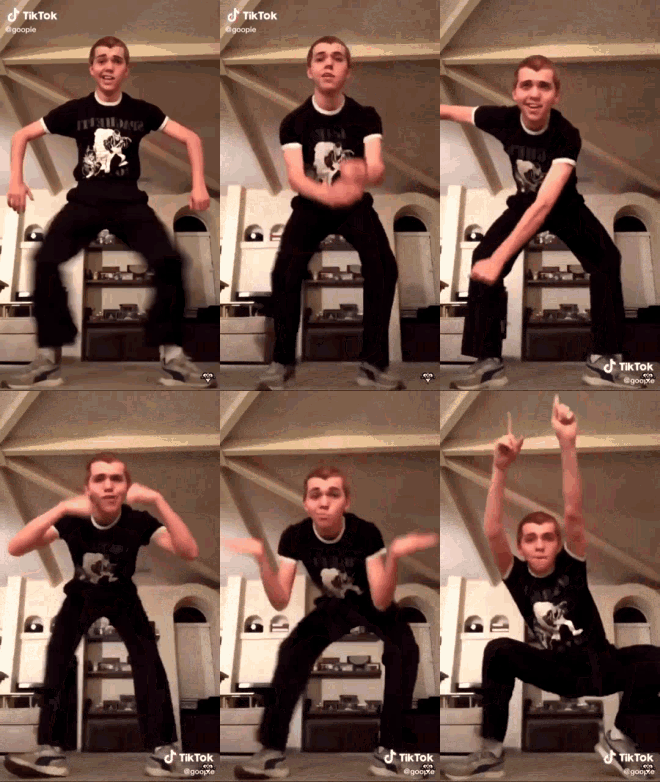
It’s been over a month now, so I think it’s safe to say I’m an expert at TikTok. It’s a fun little app with a HUGE audience, so depending on what your goals are, you can accomplish a lot in a short amount of time.
Pros of TikTok:
- It’s popular! With well over a billion users, TikTok is the most downloaded app three years running. People around the world spend more time on TikTok than Facebook (24.5 hours per month compared with 22 hours per month). It’s especially popular with teens and millennials, which is my target audience, so it’s definitely the right market for me to try to spread the word about my writing.
- It’s visual! Videos capture people’s attention. Think about how much time most people spend watching YouTube–we’re hardwired to look at flashy things. I’ve enjoyed using TikTok to share ideas (and be silly) in a visual way for a broader and more immediate impact.
- It’s SHORT! The maximum video length on TikTok is 3 minutes (which I learned very quickly–my first few videos got cut short, and I had to do some editing to make them fit). This restriction forces me to get right to the point and edit for maximum impact in minimal time. The short, punchy TikTok videos I’ve made each day for the past several weeks are actually better than the longer YouTube videos I made in previous years; the need for brevity helps me focus (and finish each mini-project sooner!).
Sounds pretty perfect, right? Ha–of course not! TikTok has it share of flaws, too.
Cons of TikTok
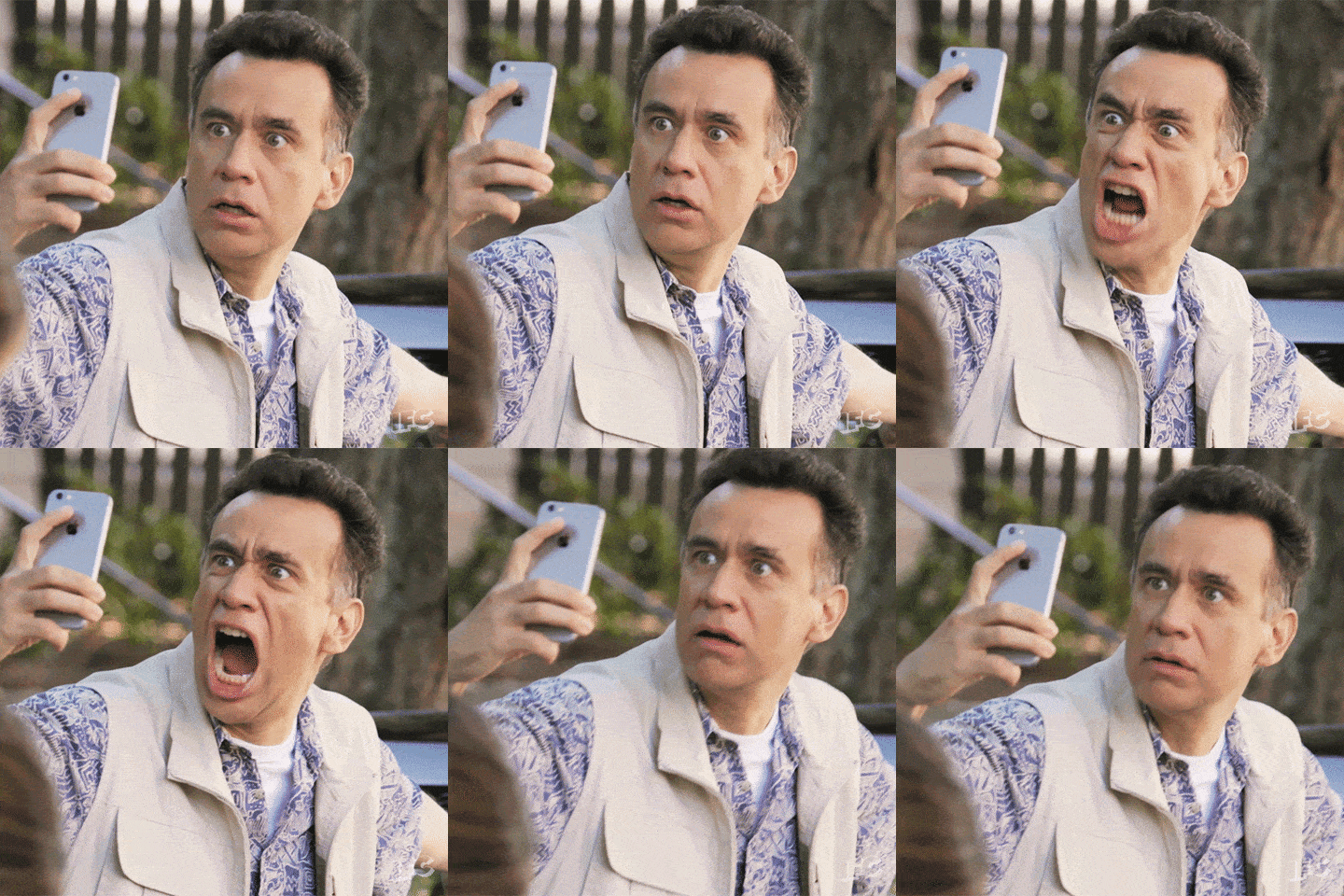
- It’s hard to edit (on a phone, at least)! This is my top pet peeve with TikTok. You basically have to do all your editing with the video running, whether you’re trying to trim or add or adjust the order of clips. Also, everything is controlled by your fingertip on a small screen, which makes precise placement and exact clip trimming an exercise in Zen focus and muscle control. PLUS, every time you make a change, the whole video replays from the beginning again, so you have to watch through your own choppy mess like 35 times in order to do the “post-production.”
- It’s a time-suck. I really only go on TikTok to make my own videos and interact with “fans,” so I can usually avoid this. But trust me, if you start watching videos…they just keep comin’. Twenty minutes later, you look up and you’re four aisles down in the grocery store, with no idea how you ended up with so many boxes of Cap’n Crunch in your cart.
Pro Tips
- Be prepared before recording. I get the clips I want faster (meaning “on the first try”) if I have a script. The alternative is to record yourself a few times to practice your phrasing and pacing and then just use the best one. Keep in mind, though, that you can’t record more than 3 minutes of clips — even if you plan to delete most of the the outtakes, you can’t record beyond 3 minutes and then trim down afterwards.
- If you mess up, just record it again. Don’t bother trying to edit clips too much — it’s such a pain to do anything more than trim off the beginning or end.
- Add text. Visuals are catchy, but having some words on the screen helps get essential info across (especially since lots of people watch with the sound off). Two useful features are text-to-voice, which takes your text and narrates it for you. I also like using the captions feature; it’s fairly accurate at listening to your audio and turning it into writing (if you speak clearly… if not, you can always edit it).
- Music makes it fun! TikTok was originally Music.ly, a lip-syncing app. There’s still a lot of music you can add to your videos, and many people post clips where the only audio is a song (or the audio from another person’s post).
- Keep it short! Three minutes seems short for a video already, but most people don’t even watch that long — there’s just too much TikTok-ing to do! I shoot for 60 seconds or less, and some of my best videos are 15 seconds. If you have a lot to say about something, TikTok is NOT the forum for it. If you have something “long form” to share, you can make a TikTok as a teaser or Cliff Notes, and then end with “To see more, go to [website URL].”
I’m sure there’s a thing or two I haven’t figured out yet, so I might update this with some new tips and tricks as I continue to churn out high-quality content 😂😂 If you have any additional TikTok advice, let me know!
 M. J. Lau
One thought on “Lau on TikTok”